When you attempt to download an ISO from IIS on Server 2022, you will get a 404 message. IIS doesn’t know how to process .iso files by default and so you need to add a MIME type for that extension.
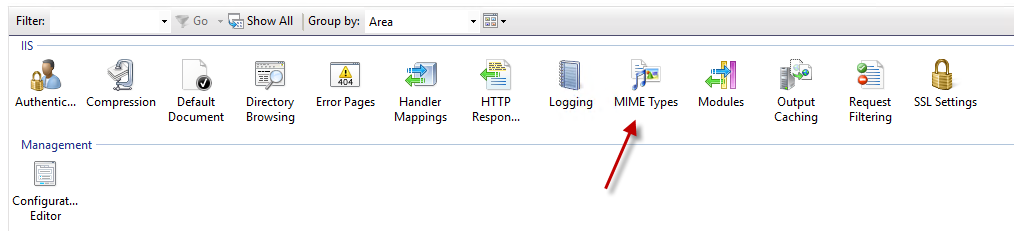
In IIS Manager, click on your site and then select MIME types.
Create a new MIME type for .iSO:
File name extension: .iso
MIME type:
application/octet-stream
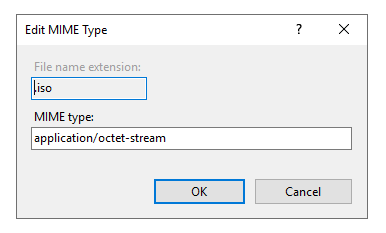
Hit OK and then you are all set.